Phone & PC differences
An honest list of what a PC cannot do — including three places where the app looks like it worked but did not.
Almost everything is the same on both. This page is about the exceptions, because finding them by accident is worse than reading about them.
Things that do not work on a PC
Reminders never fire
The whole Reminders screen works on Windows. The switch turns on, the time saves, the categories toggle, and Send a test reminder now reports Test reminder sent — check your notifications.
No notification ever appears.
Import from contacts
Windows has no access to your phone's contacts, so Import from contacts cannot work. Type names and numbers in, or add people on your phone and let them sync.
Ads
There are none on Windows. That is a difference in your favour.
Things that work differently
| Android | Windows | |
|---|---|---|
| Google sign-in | In-app account picker | Opens your browser, then returns |
| Backup to a file | Saves, then offers to share | Saves silently to Downloads |
| Export a PDF | Share sheet | Print / save dialog, despite the button saying Send on WhatsApp |
| WhatsApp reminders | Opens WhatsApp | Opens WhatsApp Web in your browser |
| App updates | Installs inside the app | Opens the Microsoft Store |
| This user guide | Opens inside the app | Opens your browser |
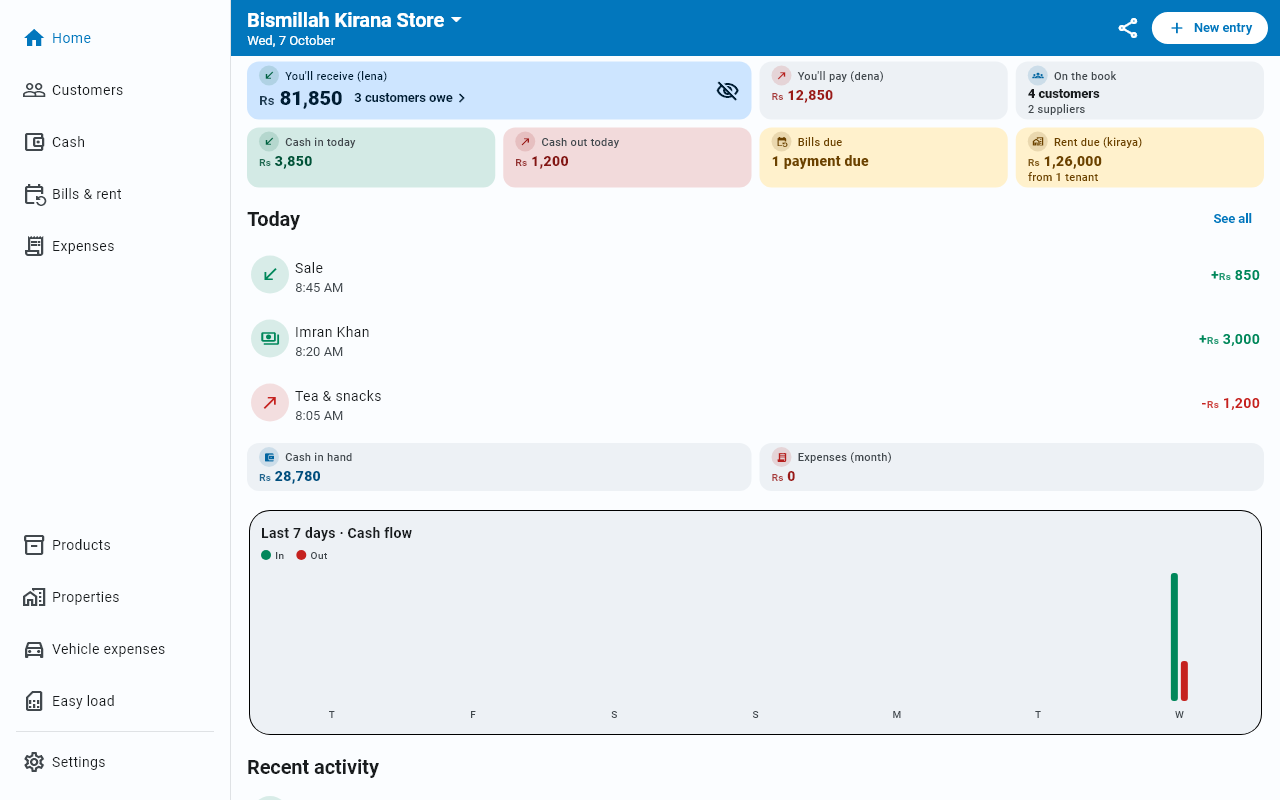
| Saving a form | Tap Save | Tap Save or press Enter; Esc closes; Ctrl+N opens New entry — see The desktop layout |
| A row's ⋮ menu | Tap the ⋮ or long-press | Click the ⋮ or right-click |
Things that are the same
Worth stating plainly, because the list above can give the wrong impression:
- The entire ledger — sales, purchases, payments, cash, expenses
- Customers, suppliers, statements, editing and cancelling
- Bills, rent, properties, installments, loans
- Products, vehicles, Easy load
- The whole Zakat Book
- Cloud sync, backup and restore, Excel and PDF export
- Multiple businesses, themes, Urdu, message templates
- The encrypted database
Neither platform has these
- Barcode scanning. The barcode field is typed, on both.
Which should you use?
Both. Phone at the counter where the trade happens; PC when you sit down to catch up, check figures or export something for the accountant. Sign in on both and it is one book.